

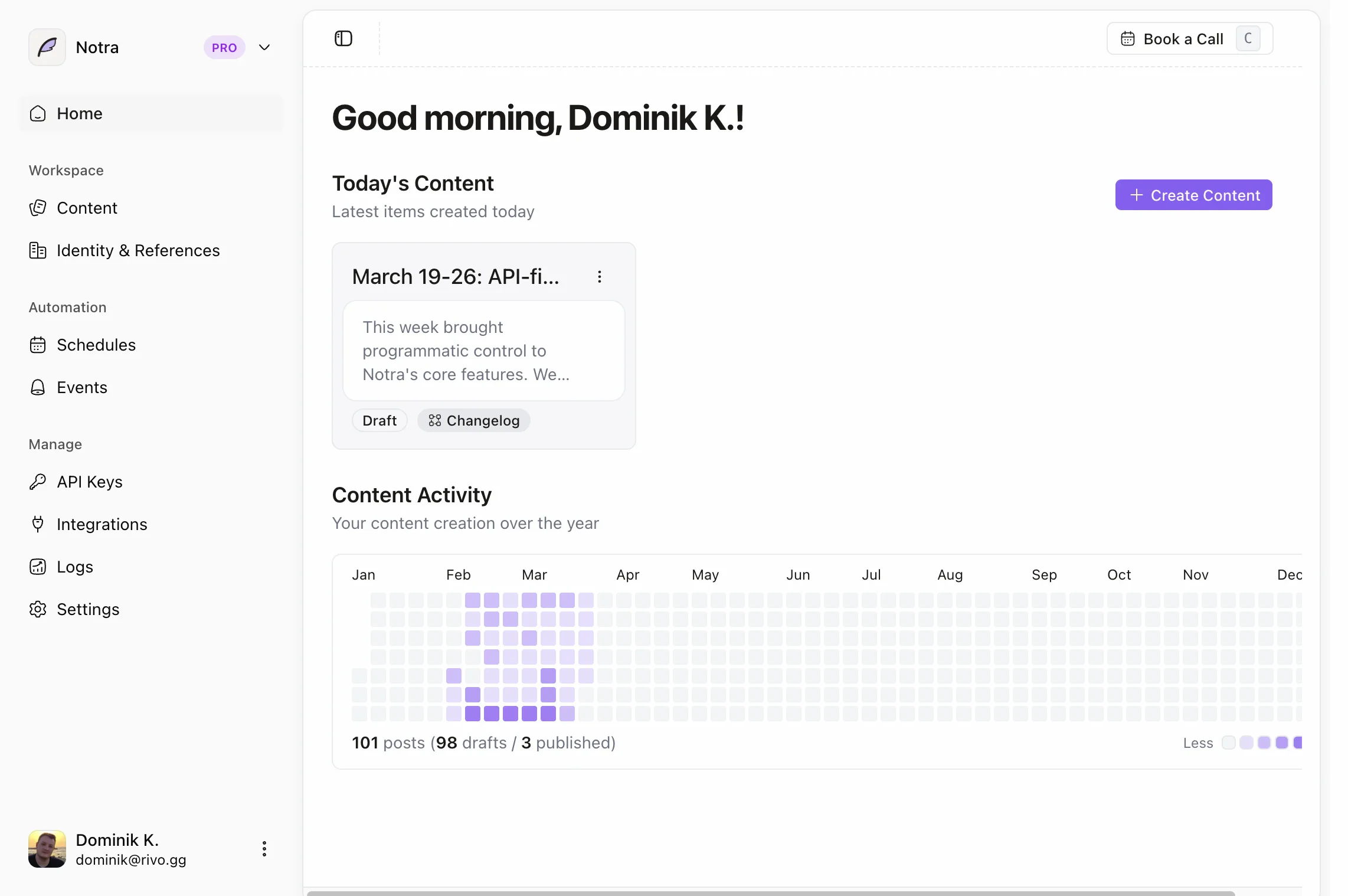
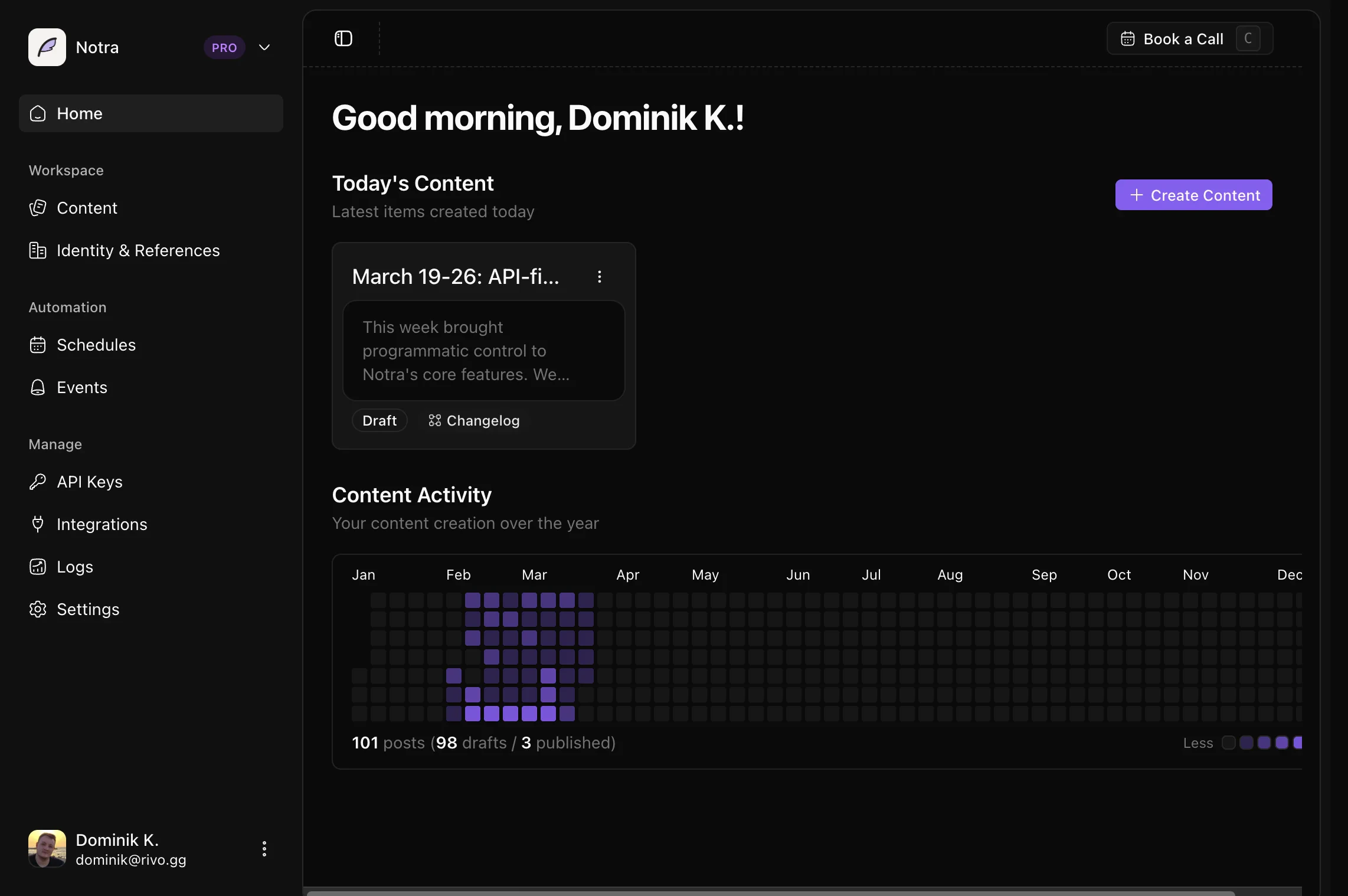
What is Notra?
Notra is a SaaS platform that automates content creation by connecting to your team’s tools and using AI to analyze activity and generate drafts. It eliminates manual effort by working in the background and adapting content to match your brand voice.Connect your tools
Integrate GitHub and Linear to pull product and engineering activity. Slack support is planned.
AI-powered analysis
Automatically identify high-signal updates worth sharing with your audience.
Generate content
Create drafts for changelogs, blog posts, and social media in your brand voice.
Automate workflows
Set up event-driven triggers or scheduled workflows to run in the background.
Get started
1
Create your organization
Sign up and create your organization workspace to get started with Notra.
2
Connect GitHub
Link your first GitHub repository to start tracking meaningful activity.
3
Set your brand voice
Configure your brand identity so AI generates content that sounds like you.
4
Generate content
Create your first changelog or blog post from recent GitHub activity.
Quickstart guide
Follow our step-by-step guide to generate your first content in minutes.
How Notra works
Notra runs as an event-driven content pipeline that transforms technical activity into audience-ready content.Generation pipeline
Ingest activity
Pull updates from GitHub and Linear into a normalized format.
Analyze context
AI identifies what changed, why it matters, and what’s worth sharing.
Generate drafts
Create structured content for changelogs, blog posts, and social media.
Brand and publishing
Apply brand voice
Adapt output to your preferred tone while keeping technical accuracy.
Review and publish
Access ready-to-review content in your dashboard and copy it for publishing.
Core features
Integrations
Connect the tools your team already uses to automatically track product updates.GitHub
Track pull requests, releases, and repository activity.
Linear
Monitor issue status and project progress.
Slack
Capture important conversations and announcements. Coming soon.
Automation
Set up workflows that run automatically without manual intervention.Event-based triggers
React to GitHub webhooks and generate content when releases are published or commits are pushed to the default branch.
Scheduled workflows
Run daily, weekly, or monthly summaries on a cron schedule.
Content types
Generate multiple content formats from the same source activity.Changelogs
Technical release notes for developers and product teams.
Blog posts
Feature announcements and product updates for your blog.
Social media
Twitter and LinkedIn posts optimized for engagement.
Investor updates
Planned progress summaries for stakeholders and investors.
Brand identity
Train Notra to write in your unique voice and style.Configure your company profile, tone settings, and target audience in the Brand Identity section to ensure all generated content matches your brand.
Company profile
Set your company name, description, and website URL.
Tone and language
Choose from preset tones or define custom voice guidelines.
Target audience
Describe who you’re writing for to optimize messaging.
Custom instructions
Add specific rules for AI-generated content.
What you can build
Automated weekly changelogs
Automated weekly changelogs
Set up a scheduled workflow that runs every Friday at 5 PM UTC to generate a changelog from the week’s merged PRs across your repositories. Content is created in draft status for review and manual publishing.
Instant release notes
Instant release notes
Configure an event-based trigger that listens for GitHub release events and immediately generates formatted release notes with feature highlights, bug fixes, and breaking changes.
Monthly product summaries
Monthly product summaries
Schedule a monthly summary that analyzes activity across all repositories and generates a blog post or changelog highlighting shipped work and key achievements.
Next steps
Quickstart
Generate your first content in under 5 minutes.
API reference
Programmatically access content and trigger workflows.
MCP server
Let AI agents manage Notra on your behalf.
Need help getting started? Check out our Quickstart guide or explore our GitHub repository to see the open-source codebase.