

REST API
Use raw
fetch or cURL to call endpoints directly. Full control, no dependencies.TypeScript SDK
Use the official
@usenotra/sdk package for a type-safe, ergonomic integration.Quick Start
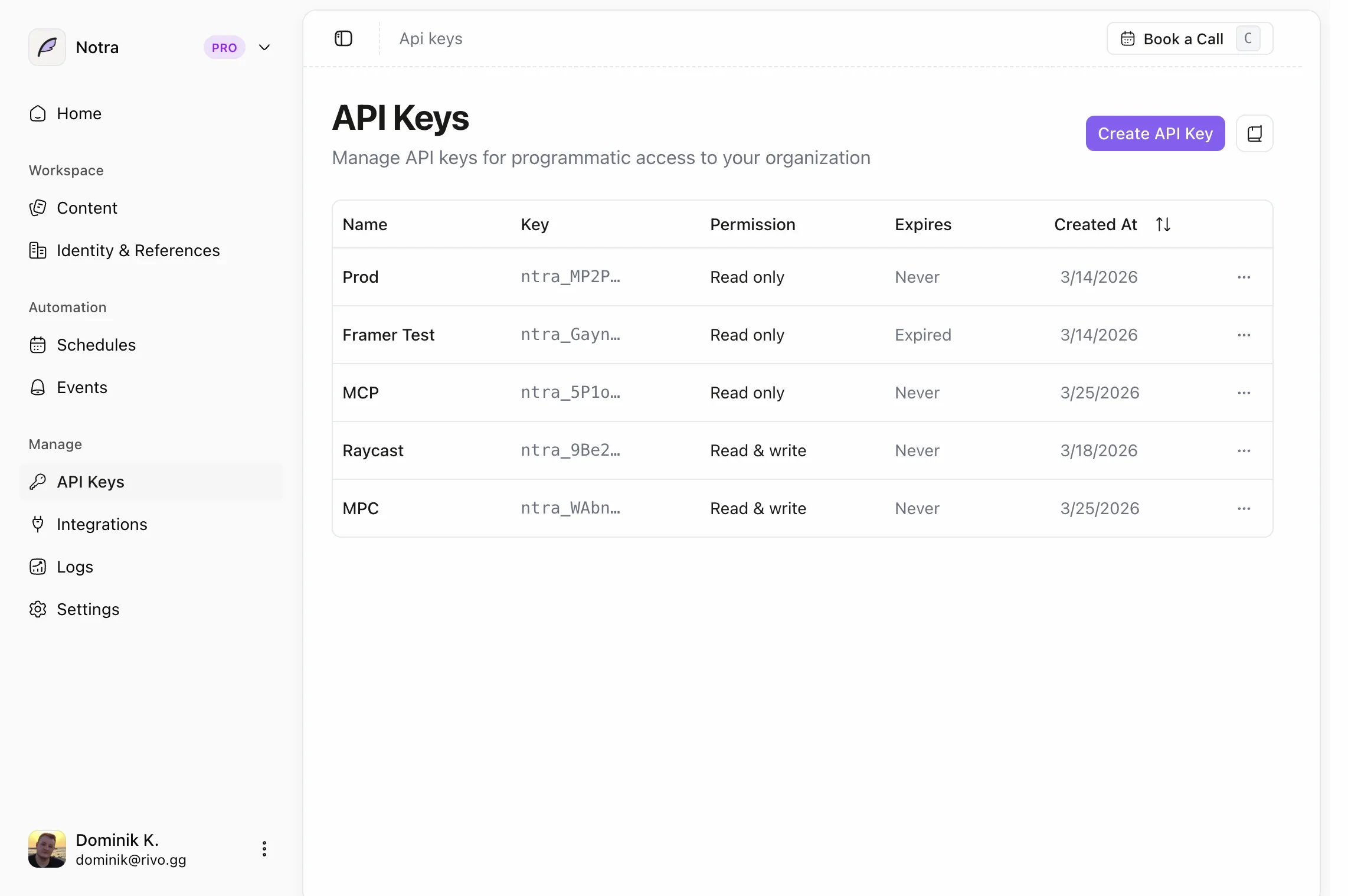
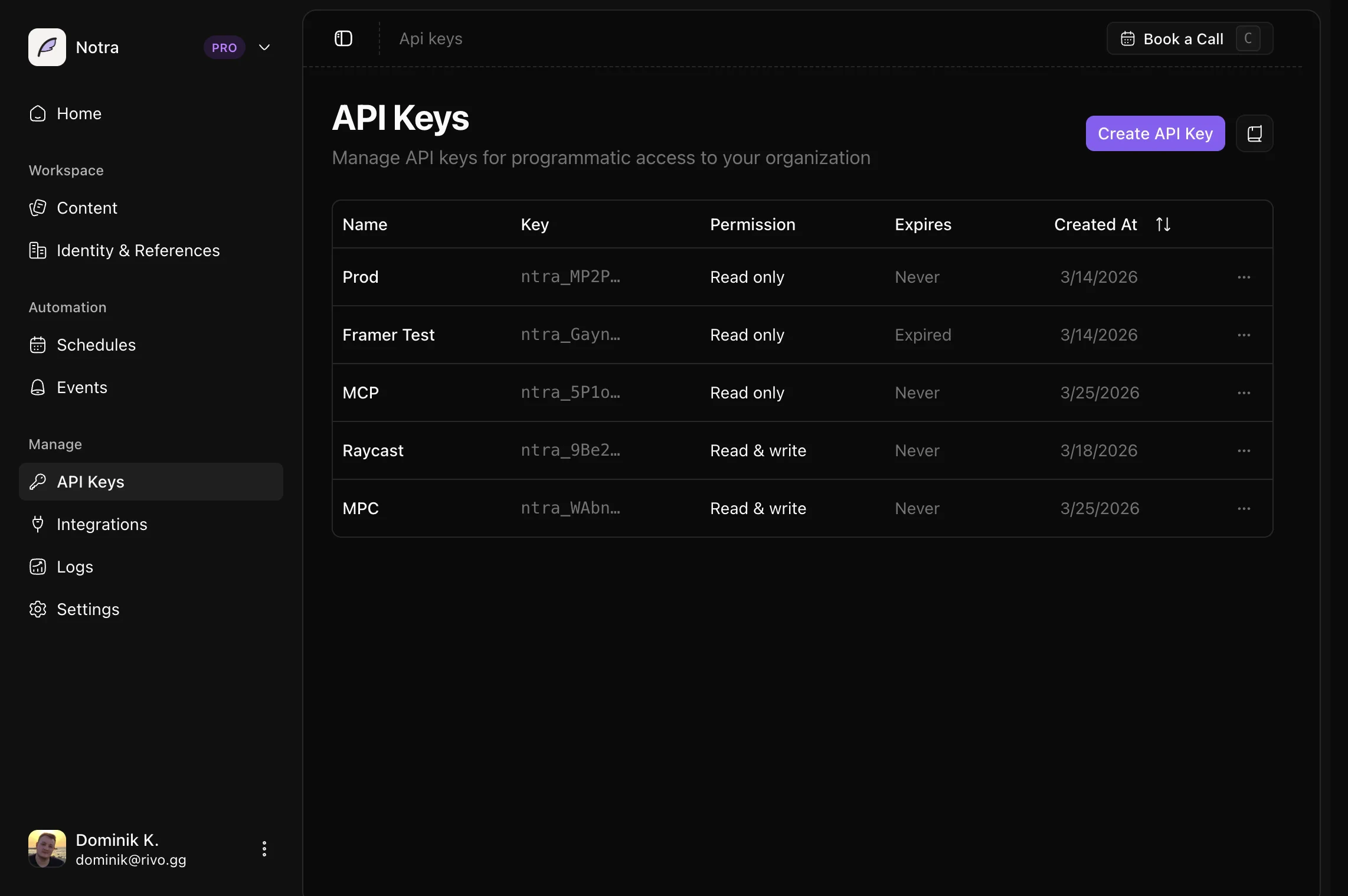
Base URL::resource is the endpoint path (e.g., posts, posts/{postId}). The
organization is inferred from your API key, so there is no need to pass it in the URL.
SDK Installation
Install the Notra SDK:Common Tasks
See Common Tasks for copy-paste examples such as updating an existing post and guidance on unsupported create-post patterns.Available Endpoints
Posts
Browse the post listing, single-post, update, and delete routes.
Generation
Queue generation jobs and poll their status updates.
Brand Identities
Browse the brand identity list and single-identity routes.
Integrations
Discover available integrations to use in generation requests.
Next Steps
Pagination
Learn how to paginate through large result sets.
TypeScript Types
Use our TypeScript definitions for type-safe development.
Caching
Learn how to cache paginated post data and invalidate it safely.
Common Tasks
Find practical examples for updates and other common implementation questions.