> ## Documentation Index
> Fetch the complete documentation index at: https://docs.usenotra.com/llms.txt
> Use this file to discover all available pages before exploring further.
# Framer
> Import Notra content into Framer with the Notra marketplace plugin.
This guide shows how to connect Notra to [Framer](https://www.framer.com/) and pull your content into a Framer site with the official Notra plugin.
## Prerequisites
* Access to a Framer project.
* A Notra API key with read access to posts.
* Posts in Notra that you want to import.
## Install
### Framer Marketplace
Install the official Notra plugin from the [Framer Marketplace](https://www.framer.com/marketplace/plugins/notra/).
### Inside Framer
1. Open your Framer project.
2. Open **Assets** > **Plugins**.
3. Search for `Notra`.
4. Click **Install**.
## Connect Notra to Framer
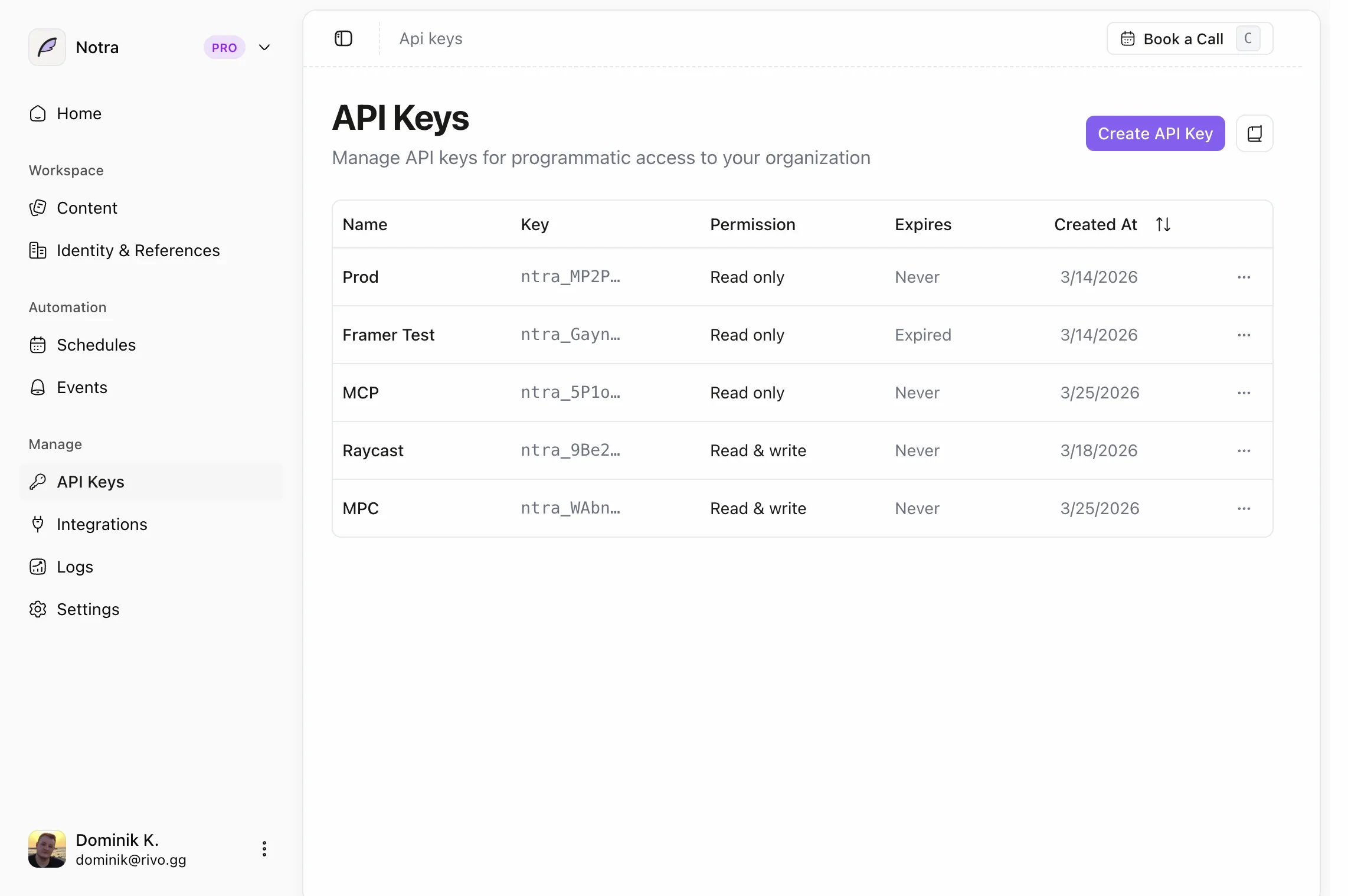
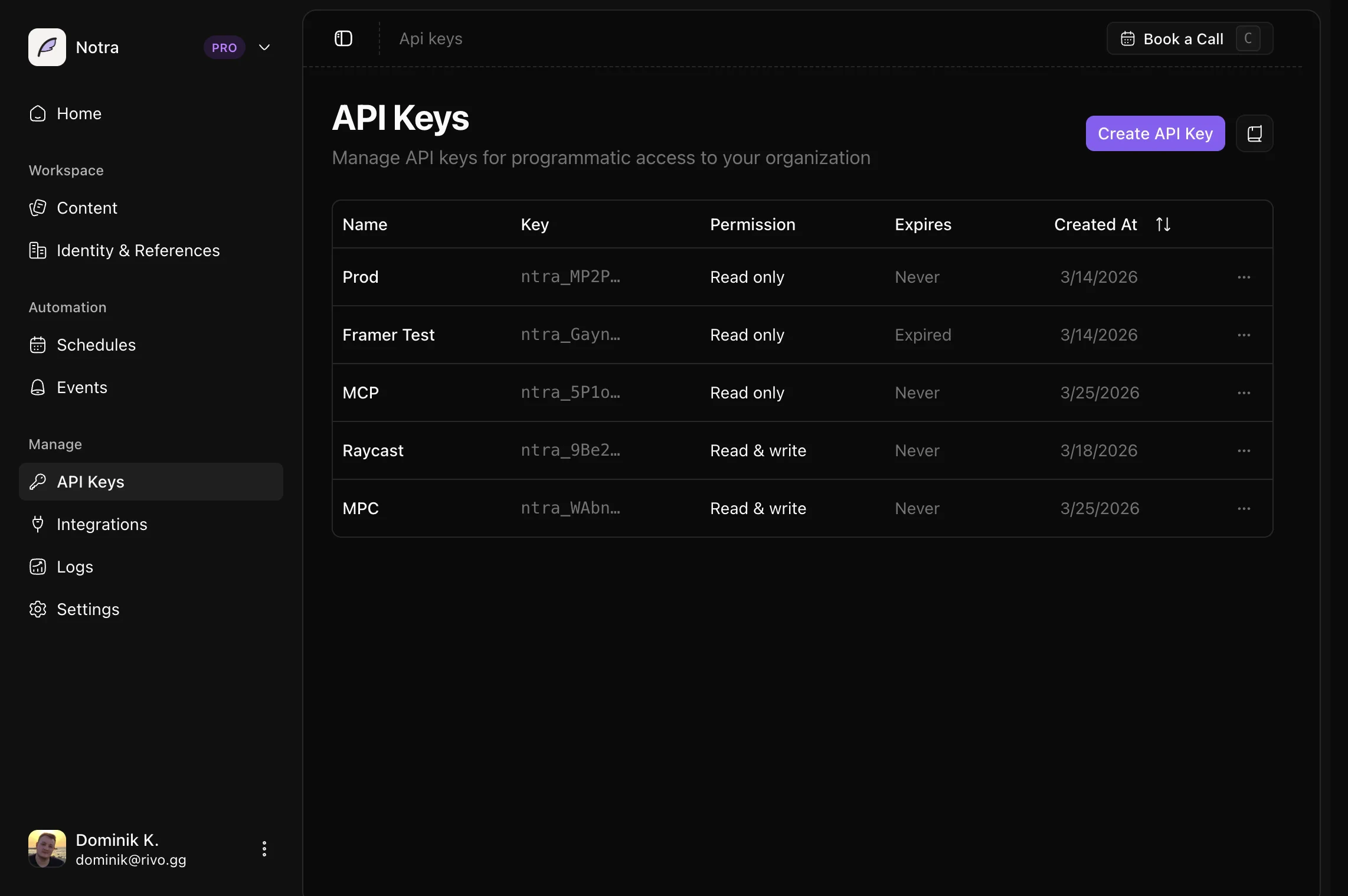
1. In Notra, go to **Developer** > **API Keys**.
2. Create a new API key with **Read** access for posts.
 3. Open the Notra plugin in Framer.
4. Paste your API key when prompted.
5. Browse your posts in the plugin and choose which ones to pull into your Framer site.
3. Open the Notra plugin in Framer.
4. Paste your API key when prompted.
5. Browse your posts in the plugin and choose which ones to pull into your Framer site.