> ## Documentation Index
> Fetch the complete documentation index at: https://docs.usenotra.com/llms.txt
> Use this file to discover all available pages before exploring further.
# Getting Started
> Get started with the Notra API.
We provide two ways to interact with Notra:
Use raw `fetch` or `cURL` to call endpoints directly. Full control, no dependencies.
Use the official `@usenotra/sdk` package for a type-safe, ergonomic integration.
## Quick Start
Base URL:
```bash theme={"theme":{"light":"github-light","dark":"github-dark"}}
https://api.usenotra.com/v1/:resource
```
`:resource` is the endpoint path (e.g., `posts`, `posts/{postId}`). The
organization is inferred from your API key, so there is no need to pass it in the URL.
```bash cURL theme={"theme":{"light":"github-light","dark":"github-dark"}}
curl -H "Authorization: Bearer YOUR_API_KEY" \
"https://api.usenotra.com/v1/posts"
```
```typescript SDK theme={"theme":{"light":"github-light","dark":"github-dark"}}
import { Notra } from "@usenotra/sdk";
const notra = new Notra({
bearerAuth: process.env.NOTRA_API_KEY ?? "",
});
const result = await notra.content.listPosts();
console.log(result.posts);
```
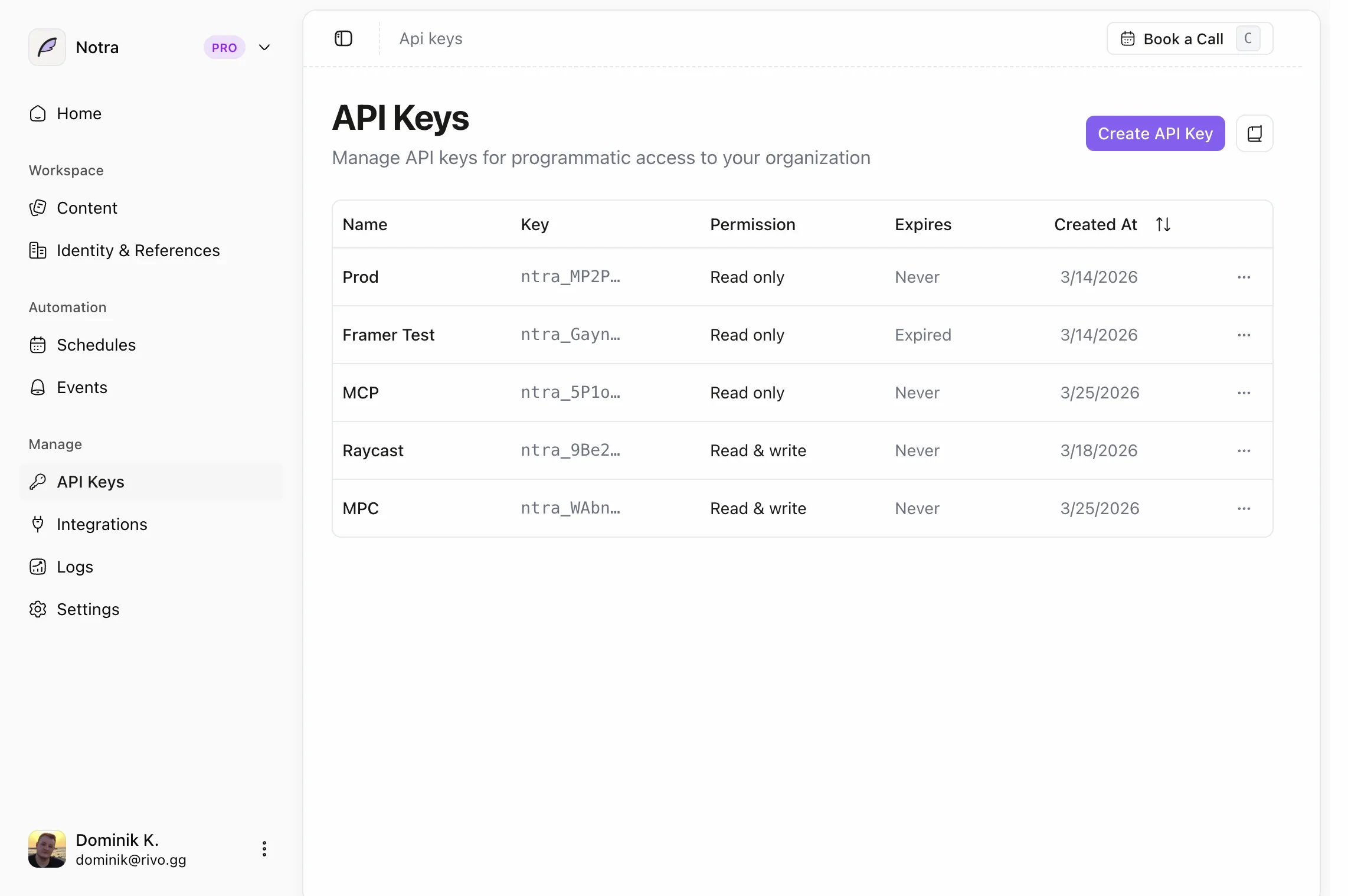
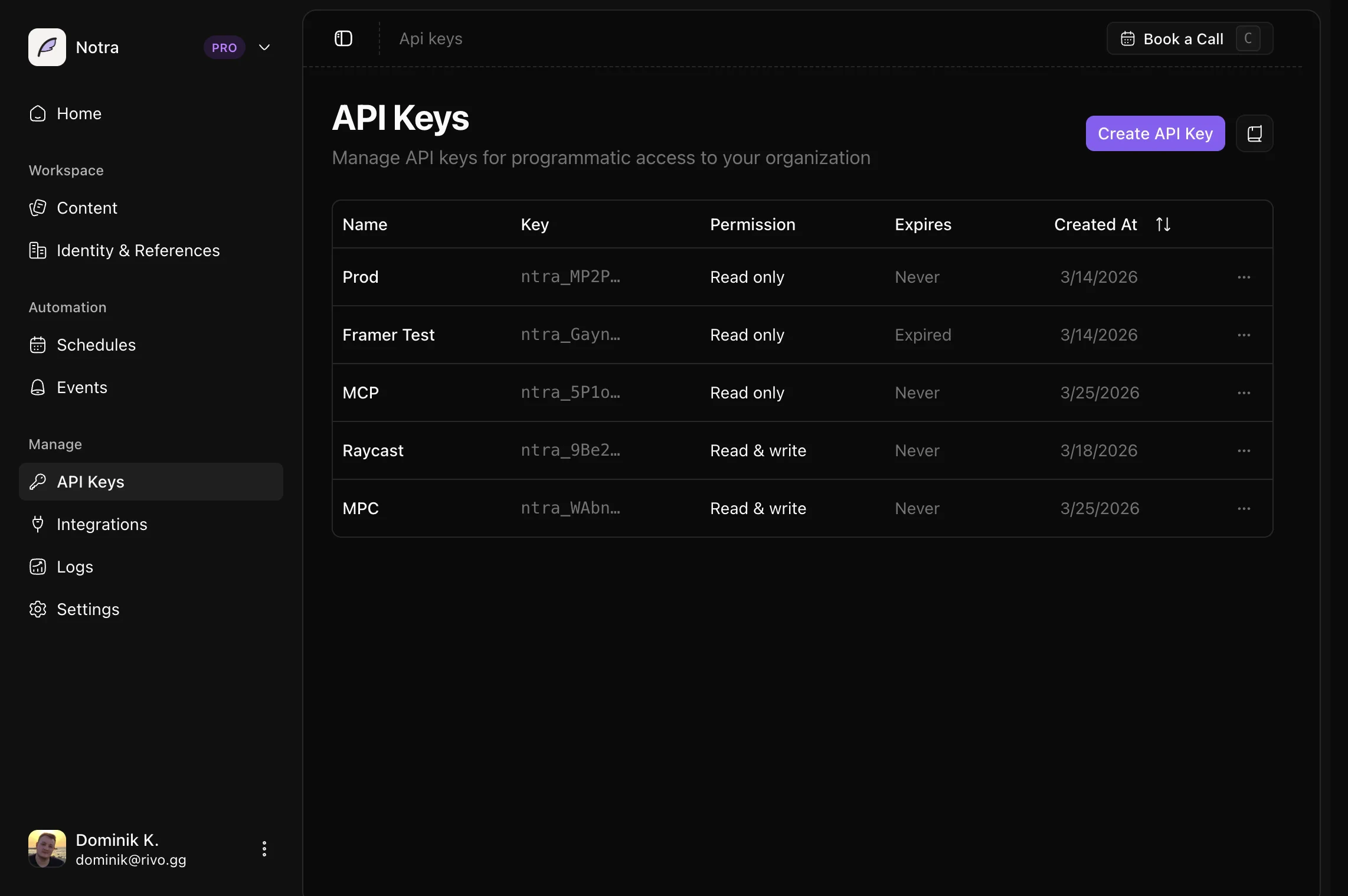
Replace `YOUR_API_KEY` with your API key. Keys are scoped to an organization
(set via `externalId` when created).
Create and manage API keys in [Authentication](/api/authentication).
 Keep API keys private. Even read-only keys can be abused and burn through your
[rate limits](/api/rate-limits) if exposed in client-side code. Use server-side
requests whenever possible.
## SDK Installation
Install the Notra SDK:
```bash npm theme={"theme":{"light":"github-light","dark":"github-dark"}}
npm install @usenotra/sdk
```
```bash yarn theme={"theme":{"light":"github-light","dark":"github-dark"}}
yarn add @usenotra/sdk
```
```bash pnpm theme={"theme":{"light":"github-light","dark":"github-dark"}}
pnpm add @usenotra/sdk
```
```bash bun theme={"theme":{"light":"github-light","dark":"github-dark"}}
bun add @usenotra/sdk
```
Initialize the client with your API key:
```typescript theme={"theme":{"light":"github-light","dark":"github-dark"}}
import { Notra } from "@usenotra/sdk";
const notra = new Notra({
bearerAuth: process.env.NOTRA_API_KEY ?? "",
});
```
Store your API key in an environment variable. Create and manage keys in your
[dashboard](https://app.usenotra.com) under **Developer → API Keys**.
For single-post lookups:
```typescript theme={"theme":{"light":"github-light","dark":"github-dark"}}
const post = await notra.content.getPost({
postId: "post_abc",
});
```
## Common Tasks
See [Common Tasks](/api/common-tasks) for copy-paste examples such as updating an existing post and guidance on unsupported create-post patterns.
## Available Endpoints
Browse the post listing, single-post, update, and delete routes.
Queue generation jobs and poll their status updates.
Browse the brand identity list and single-identity routes.
Discover available integrations to use in generation requests.
## Next Steps
Learn how to paginate through large result sets.
Use our TypeScript definitions for type-safe development.
Learn how to cache paginated post data and invalidate it safely.
Find practical examples for updates and other common implementation questions.
Keep API keys private. Even read-only keys can be abused and burn through your
[rate limits](/api/rate-limits) if exposed in client-side code. Use server-side
requests whenever possible.
## SDK Installation
Install the Notra SDK:
```bash npm theme={"theme":{"light":"github-light","dark":"github-dark"}}
npm install @usenotra/sdk
```
```bash yarn theme={"theme":{"light":"github-light","dark":"github-dark"}}
yarn add @usenotra/sdk
```
```bash pnpm theme={"theme":{"light":"github-light","dark":"github-dark"}}
pnpm add @usenotra/sdk
```
```bash bun theme={"theme":{"light":"github-light","dark":"github-dark"}}
bun add @usenotra/sdk
```
Initialize the client with your API key:
```typescript theme={"theme":{"light":"github-light","dark":"github-dark"}}
import { Notra } from "@usenotra/sdk";
const notra = new Notra({
bearerAuth: process.env.NOTRA_API_KEY ?? "",
});
```
Store your API key in an environment variable. Create and manage keys in your
[dashboard](https://app.usenotra.com) under **Developer → API Keys**.
For single-post lookups:
```typescript theme={"theme":{"light":"github-light","dark":"github-dark"}}
const post = await notra.content.getPost({
postId: "post_abc",
});
```
## Common Tasks
See [Common Tasks](/api/common-tasks) for copy-paste examples such as updating an existing post and guidance on unsupported create-post patterns.
## Available Endpoints
Browse the post listing, single-post, update, and delete routes.
Queue generation jobs and poll their status updates.
Browse the brand identity list and single-identity routes.
Discover available integrations to use in generation requests.
## Next Steps
Learn how to paginate through large result sets.
Use our TypeScript definitions for type-safe development.
Learn how to cache paginated post data and invalidate it safely.
Find practical examples for updates and other common implementation questions.